
Replacing MX204 with MX304 problems and solutions:
Feb 17th 2025
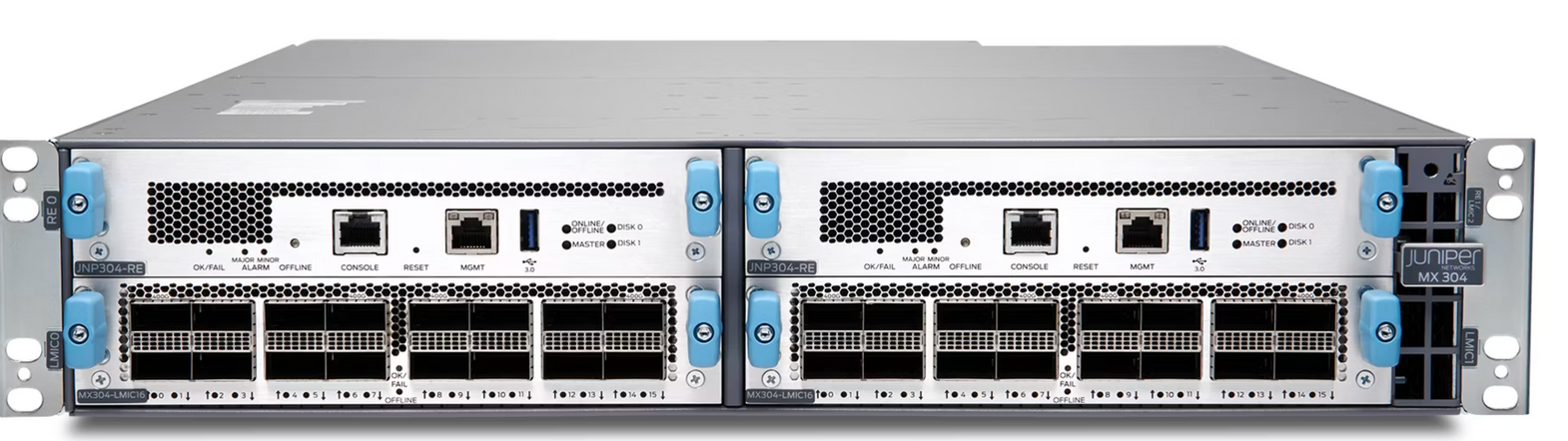

Replacing MX204 with MX304 problems and solutions:
Case study: Replacing MX204 with MX304, one 100G link wont come up
Hi
We've run into an issue when trying to replace one of our MX204 routers to an MX304
I've done a lot of testing and also googling, but this one has me stumped.
I don't have access to Juniper TAC support and am hoping you all have either seen something similar or can offer me some tips on how I should move forward.
The Tl;dr is that when we try to put the MX304 into production, one of the links, a 100G link with ER4 optics does not come up on the Mx304, but it continues to work fine on the old Mx204 when re-inserted. The Mx304 is running Junos 23.4R1.9 and the Mx204 is running 21.1R3.11.
edit: We tried again and got it working. We had to restart the linecard.
The port was somehow stuck in FEC91 mode after setting the port speed to 100G.
Bouncing the line card resolved the issue and the port came up
A little backstory:
The current MX204, ( lets call it device A) is running Junos 21.1R3.11. this device is in production.
It has 3 active links:
et-0/0/0.  (100G Link to another MX204 edge router, Call it device B, Junos 22.1R1.10) Transceiver 100G-Base-LR4

et-0/0/1.  (100G Link to a third Mx204 edge router, Call it Device C Junos 21.1R3.11) Transceiver 100G-Base-ER4

et-0/0/2. (40G Link to a core router) Link to MX480, Call it Device D Junos 23.4R1-S2.4 Transceiver QSFP-40G-SR4
None of these devices are in the same physical location, each link is transported over DWDM.
Just to keep this point in mind, the link we are having an issue with is the link connected to interface et-0/0/1, (Device A to Device C)
The problem is with the MX304 running 23.4R1.9:
On the new device I moved the 40G link to et-0/0/9 so that the port speed setting would be consistent on each group of 4 ports.
On the Mx 304 we have the following:
et-0/0/0.  (100G Link to another MX204 edge router, Call it device B, Junos 22.1R1.10) Transceiver 100G-Base-LR4

et-0/0/1.  (100G Link to a third Mx204 edge router, Call it Device C Junos 21.1R3.11) Transceiver 100G-Base-ER4

et-0/0/9. (40G Link to a core router) Link to MX480, Call it Device D Junos 23.4R1-S2.4 Transceiver QSFP-40G-SR4
Here are the optical light levels on the production device (Mx204)
    show interfaces diagnostics optics et-0/0/1  | match dbm
    Laser output power high alarm threshold   :  5.6234 mW / 7.50 dBm
    Laser output power low alarm threshold    :  0.2818 mW / -5.50 dBm
    Laser output power high warning threshold :  2.8183 mW / 4.50 dBm
    Laser output power low warning threshold  :  0.5623 mW / -2.50 dBm
    Laser rx power high alarm threshold       :  0.6456 mW / -1.90 dBm
    Laser rx power low alarm threshold        :  0.0079 mW / -21.02 dBm
    Laser rx power high warning threshold     :  0.3235 mW / -4.90 dBm
    Laser rx power low warning threshold      :  0.0158 mW / -18.01 dBm
    Laser output power                        :  1.689 mW / 2.28 dBm
    Laser receiver power                      :  0.090 mW / -10.45 dBm
    Laser output power                        :  1.641 mW / 2.15 dBm
    Laser receiver power                      :  0.109 mW / -9.61 dBm
    Laser output power                        :  1.694 mW / 2.29 dBm
    Laser receiver power                      :  0.111 mW / -9.55 dBm
    Laser output power                        :  1.695 mW / 2.29 dBm
    Laser receiver power                      :  0.121 mW / -9.18 dBm

and the port speed settings on the MX204

    [edit chassis fpc 0 pic 0]
show |display set
set chassis fpc 0 pic 0 port 0 speed 100g
set chassis fpc 0 pic 0 port 1 speed 100g
set chassis fpc 0 pic 0 port 2 speed 40g
set chassis fpc 0 pic 0 port 3 speed 40g`
Here were the light levels when we tried to connect the link on the MX304 (Very similar)
    Laser output power high alarm threshold   :  5.6234 mW / 7.50 dBm
    Laser output power low alarm threshold    :  0.2818 mW / -5.50 dBm
    Laser output power high warning threshold :  2.8183 mW / 4.50 dBm
    Laser output power low warning threshold  :  0.5623 mW / -2.50 dBm
    Laser rx power high alarm threshold       :  0.6456 mW / -1.90 dBm
    Laser rx power low alarm threshold        :  0.0079 mW / -21.02 dBm
    Laser rx power high warning threshold     :  0.3235 mW / -4.90 dBm
    Laser rx power low warning threshold      :  0.0158 mW / -18.01 dBm
    Laser output power                        :  1.683 mW / 2.26 dBm
    Laser receiver power                      :  0.089 mW / -10.49 dBm
    Laser output power                        :  1.651 mW / 2.18 dBm
    Laser receiver power                      :  0.109 mW / -9.61 dBm
    Laser output power                        :  1.685 mW / 2.27 dBm
    Laser receiver power                      :  0.110 mW / -9.58 dBm
    Laser output power                        :  1.700 mW / 2.30 dBm
    Laser receiver power                      :  0.120 mW / -9.22 dBm

and here are the port speed settings on the MX304

set chassis fpc 0 pic 0 port 0 speed 100g
set chassis fpc 0 pic 0 port 1 speed 100g
set chassis fpc 0 pic 0 port 9 speed 40g


Here are the optic types as seen when they were insered into the Mx304 (edited out Serial numbers)

Item         Version  Part number  Serial number     Description
Xcvr 0       REV 01   740-058732   SERIAL       QSFP-100GBASE-LR4
Xcvr 1       REV 01   740-058732   SERIAL      QSFP-100GBASE-ER4
Xcvr 9       REV 01   740-067443   SERIAL       QSFP+-40G-SR4

and the interface configuration when the link was plugged in

   show interfaces et-0/0/1
Physical interface: et-0/0/1, Enabled, Physical link is Down
  Interface index: 152, SNMP ifIndex: 548
  Link-level type: Ethernet, MTU: 9192, MRU: 9200, Speed: 100Gbps, BPDU Error: None, Loop Detect PDU Error: None, Loopback: Disabled, Source filtering: Disabled, Flow control: Enabled
  Device flags   : Present Running Down
  Interface Specific flags: Internal: 0x100200
  Interface flags: Hardware-Down

---(more)---


  Input rate     : 0 bps (0 pps)
  Output rate    : 0 bps (0 pps)
  Active alarms  : LINK
  Active defects : LINK, LOCAL-FAULT
  PCS statistics                      Seconds
    Bit errors                             0
    Errored blocks                         5
  Ethernet FEC Mode  :                  FEC91
    FEC Codeword size                     528
    FEC Codeword rate                   0.973
  Ethernet FEC statistics              Errors
    FEC Corrected Errors              1902773
    FEC Uncorrected Errors               2086
    FEC Corrected Errors Rate               0
    FEC Uncorrected Errors Rate             0
  PRBS Mode : Disabled
  Link Degrade :
    Link Monitoring                   :  Disable
  Interface transmit statistics: Disabled

  Logical interface et-0/0/1.0 (Index 336) (SNMP ifIndex 549)
    Flags: Device-Down SNMP-Traps 0x4004000 Encapsulation: ENET2
    Input packets : 0
    Output packets: 0
    Protocol inet, MTU: 9178
    Max nh cache: 100000, New hold nh limit: 100000, Curr nh cnt: 0, Curr new hold cnt: 0, NH drop cnt: 0
      Flags: Sendbcast-pkt-to-re, 0x0
      Addresses, Flags: Dest-route-down Is-Preferred Is-Primary
        Destination:
    Protocol iso, MTU: 9175
      Flags: 0x0
    Protocol inet6, MTU: 9178
    Max nh cache: 75000, New hold nh limit: 75000, Curr nh cnt: 0, Curr new hold cnt: 0, NH drop cnt: 0
      Flags: 0x0
      Addresses, Flags: Dest-route-down Is-Preferred Is-Primary
        Destination:
        INET6 Address Flags: Tentative
      Addresses, Flags: Dest-route-down Is-Preferred 0x800
        Destination:
        INET6 Address Flags: Tentative
    Protocol mpls, MTU: 9166, Maximum labels: 3